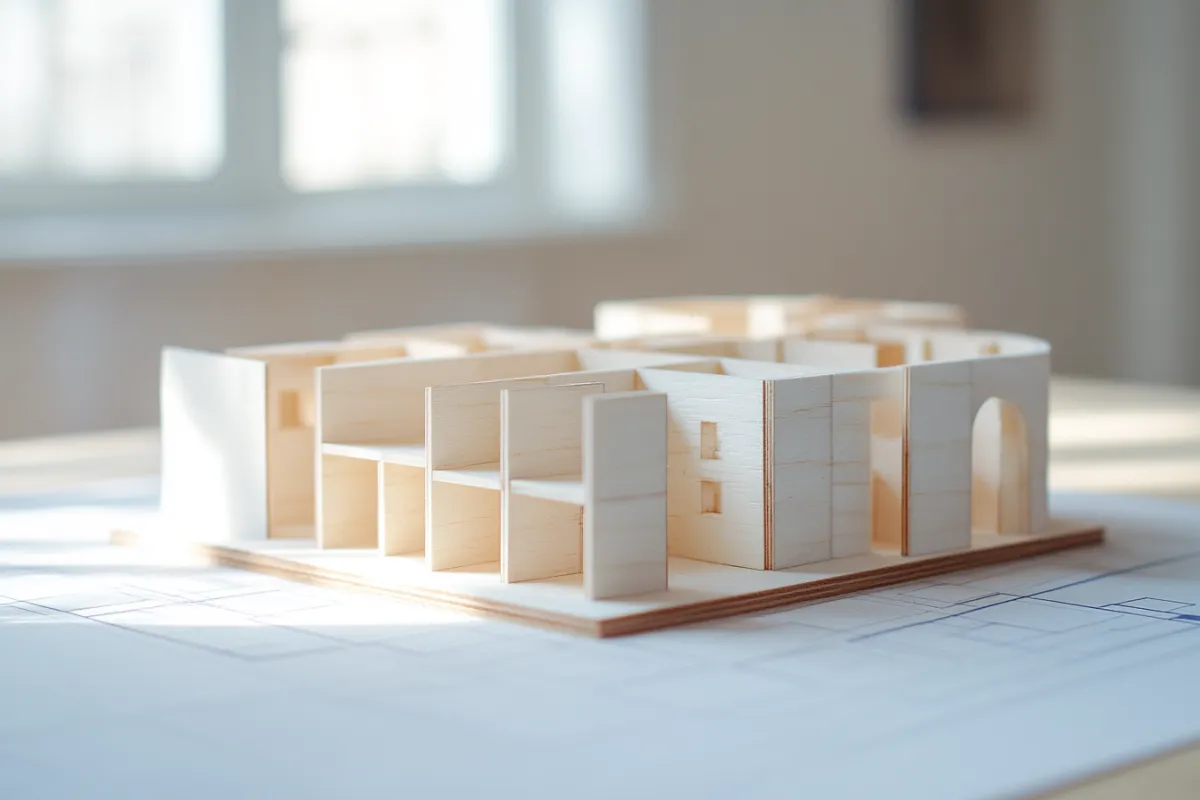
Claude's SketchUp and Autodesk Connectors. What Interior Designers Need to Know
Here's What Actually Happened.
Interior designers are asking. The answer is more nuanced — and more useful — than the hype suggests.
By: Michelle Fiallo | Founder, Design Thread AI
If you've been on Instagram in the last 48 hours, you've probably seen the video. A designer sits down, types a prompt, and — according to the caption — Claude builds a complete SketchUp model from a floor plan, dimensions and all, and drops it straight into the chat.
Yes, something real happened. And yes, it matters for how we work.
But before you clear your calendar to rebuild your entire design process around it, let's talk about what Anthropic actually released, what it does well, what it doesn't do yet, and why the distinction matters for a working interior design studio.
The short answer: Claude now has official connectors for SketchUp and Autodesk Fusion. You can describe a room, a piece of furniture, or a spatial concept in natural language, and Claude will generate geometry you can open directly in SketchUp or Fusion for refinement. It also accepts reference images — sketches, floor plans, inspiration photos. The output is a downloadable .skp file. It tracks version history. You can iterate from within the conversation.
That is real. That is significant. And it is a version one.
Key Takeaways
Anthropic released nine new connectors for creative tools including SketchUp, Autodesk Fusion, Adobe Creative Cloud, and Blender — announced April 28, 2026.
The SketchUp connector lets you describe a space or object in natural language, include reference images, and receive a .skp file you open in SketchUp to refine.
Autodesk Fusion subscribers can create and modify 3D models through conversation with Claude.
These connectors use MCP (Model Context Protocol), meaning they are also accessible to other AI models, not Claude alone.
This is a starting point tool, not a finished-drawing tool. The professional value is in how you integrate it into your existing workflow.
What Got Designers Talking — And Why
The design internet moved fast on this one. And it moved fast for good reason.
For years, the conversation about AI and interior design has been dominated by image generation — mood boards, renderings, concept visuals. Useful, but not workflow-transforming. The invisible workload of a design studio — the proposals, the spec sheets, the project coordination, the spatial problem-solving — was largely untouched by the tools being marketed to designers.
This new release is described by industry observers as probably the biggest leap into agentic workflows in the creative space to date. That framing is worth sitting with. Agentic means Claude isn't just answering a question — it's taking action inside another piece of software.
Anthropic's approach positions Claude as a productivity layer within existing software ecosystems, rather than building separate AI-native applications. That is a meaningful strategic choice. It means you don't have to abandon SketchUp or Fusion to use AI. You get both.
For boutique design studios that have spent years building expertise in specific tools, this matters. The concern has always been: "Will AI force me to learn an entirely new system, or will it meet me where I already work?" With these connectors, Anthropic is betting on the latter.
What the SketchUp Connector Actually Does
Let's stay precise here, because the details matter.
Through the SketchUp connector, Claude users can describe their desired 3D model in natural language and include reference images such as sketches and floor plans. Claude builds geometry directly in SketchUp and provides a download link to the .skp file. It can also track version history and help users refine their models.
The practical workflow looks like this: you open Claude, connect the SketchUp MCP, describe what you're building — a mudroom with built-in bench storage, 8-foot ceilings, a 12-by-7-foot footprint — add a rough sketch or floor plan image as reference, and Claude generates a starting geometry you can open in SketchUp and continue working in.
What it is: a structural starting point. A way to get from concept to 3D geometry faster than building from scratch.
What it is not: a finished construction document. Not a fully dimensioned interior model. Not a replacement for the spatial intelligence you bring to a project.
SketchUp's stated goal is "3D for everyone," and this integration is positioned to help inexperienced and non-traditional 3D design users get started. Read that carefully. The tool is designed to lower the floor, not raise the ceiling. For an experienced designer, that framing is a signal: this is a scaffold, not a deliverable.
The version one reality is that it will get things wrong. Proportions may drift. Details may be approximate. The value is in the speed to a workable starting geometry — and the ability to iterate in conversation before opening SketchUp at all.
What the Autodesk Fusion Connector Does
The Fusion connector is aimed at a slightly different workflow — more engineering-adjacent, but relevant if you work on built-ins, custom millwork, or detailed spatial construction.
Autodesk Fusion allows designers and engineers with a Fusion subscription to create and modify 3D models through conversations with Claude. The Autodesk Assistant brings AI directly into Fusion, helping users understand context and take action in their workflows.
Note the requirement: a Fusion subscription. This is not a free add-on. If you're already in the Fusion ecosystem, the connector extends what you can do conversationally. If you're not, this is not the reason to start a new subscription today.
The Broader Context: Nine Creative Tool Connectors, Announced Together
The SketchUp and Autodesk releases are part of a larger announcement. Anthropic released new Claude connectors covering Ableton, Adobe Creative Cloud (50+ tools including Photoshop and Premiere), Affinity by Canva, Autodesk Fusion, Blender, Resolume Arena and Wire, SketchUp, and Splice.
For interior designers, the most immediately relevant connectors are SketchUp and Adobe. The Adobe connector is substantial. The Adobe connector enables work with images, videos, and designs across more than 50 Creative Cloud tools including Photoshop, Premiere, and Express.
If you're using Photoshop for material collages, client presentations, or final rendering touchups, that connection has direct studio applications.
What this release signals, collectively, is a shift in how AI tools are positioning themselves inside professional workflows. By integrating with tools that creative professionals already depend on, Anthropic is reducing the friction that typically accompanies new AI tool adoption. The connectors handle multi-step tasks like batch processing, procedural changes across a scene, and repetitive production work — the category of work that consumes studio time without advancing creative quality.
That is the category worth your attention.
How to Think About This as a Studio Owner
Here is the honest assessment.
These connectors are promising infrastructure. They are not finished workflows. And the designers who will benefit most from them in the next six months are not the ones who watch the demo videos and immediately try to replace their current 3D process. They're the ones who treat this as a precision tool for a specific problem.
Where SketchUp integration has immediate practical value:
Early-stage spatial studies.Before committing time in SketchUp, use Claude to generate a rough geometry from your program notes. Iterate the concept conversationally. Open the model when you have something worth refining.
Client communication.Generating a quick 3D reference from a floor plan sketch — not for construction documents, but for a client conversation about spatial flow or furniture layout — compresses a step that used to take an hour.
Ideation volume.Test more options before committing. Generate three spatial configurations from the same program, evaluate them visually, choose one to develop. The cost per iteration drops.
Where it does not replace the work:
You still need to verify every dimension. You still need to apply your material knowledge, your spatial intuition, and your understanding of how clients actually live in spaces. The model is a scaffold. The design is still yours.
The professional risk is not that AI will replace your spatial thinking. It's that designers who treat a version-one tool as a finished workflow will produce work that reflects it — and their clients will notice.
Use the tool. Be rigorous about what it produces.
A Note on How MCP Changes the Longer-Term Picture
One technical detail worth understanding: these connectors are built on MCP — Model Context Protocol.
The connector is built on MCP, making it accessible to other LLMs as well as Claude, a reflection of Blender's commitment to open source and interoperability.
What this means practically: the SketchUp and Blender integrations are not locked to Claude. Any AI model that supports MCP can, in principle, use these same connectors. This is infrastructure-level thinking. The connector ecosystem being built now is not just about which AI model you prefer today — it's about how AI tools will integrate with professional software across the board.
For designers evaluating their tech stack, this is a reason to learn how MCP connectors work, not just which ones exist.
What This Means for Design Thread AI
At Design Thread AI, the thesis has always been that AI's highest value in a design studio is in the invisible workload — not the creative work that defines your studio, but the operational and production work that surrounds it.
Spatial modeling connectors are the first time that thesis extends meaningfully into the design production side of the work. Generating starting geometry, iterating spatial concepts, compressing early-stage 3D work — these are production tasks. They take time. They can be scaffolded by AI without compromising the design intelligence you bring to a project.
That's the frame. Not: "Claude builds your models for you." But: "Claude compresses the time between concept and workable geometry, so you spend more time designing and less time building scaffolds."
The distinction matters. And it's the distinction that separates studios who integrate this intelligently from those who either avoid it entirely or adopt it uncritically.
Frequently Asked Questions
Does the SketchUp connector work for free?The SketchUp connector is available through Claude's connector directory. You'll need a Claude account and the SketchUp application to open the generated .skp files. Access details are tied to the relevant platform accounts — check Anthropic's connector directory and SketchUp's current licensing for specifics.
Can I upload a floor plan and have Claude build the 3D model from it?You can include reference images such as sketches and floor plans as context, and Claude will use them to inform the geometry it generates. This is not the same as automated dimension extraction from a technical drawing. Treat the output as a starting point that requires verification and refinement in SketchUp.
Is the Autodesk Fusion connector the same as the SketchUp connector?No. The Fusion connector requires an active Autodesk Fusion subscription and is suited to more engineering-adjacent work — custom millwork, detailed 3D modeling. The SketchUp connector is the more accessible entry point for architectural and interior design spatial studies.
Do I need to know how to use SketchUp to benefit from this?The connector generates a .skp file that you open in SketchUp for refinement. Some familiarity with SketchUp will help you evaluate and edit what Claude generates. The tool lowers the startup time, but working with the output effectively still benefits from SketchUp competency.
Is this a permanent feature or still in beta?These connectors were announced April 28, 2026, and are available through Claude's connector directory now. They are version-one integrations. Expect the capabilities to expand and improve significantly in the months ahead.
The Bottom Line
The most important thing to understand about these connectors is the category of problem they solve.
They solve production time — the time between "I have a concept" and "I have something in 3D to look at and iterate." That is valuable time in a boutique studio. And it's the kind of time that doesn't show up in your portfolio, but it shows up in your schedule.
Use the connectors for what they're actually good for. Verify the output before you build on it. And hold onto the spatial intelligence that makes your work worth commissioning in the first place.
AI trained by a designer thinks like one. Which means knowing when to use the tool, and when the work still belongs to you.
Michelle Fiallo is the founder of Design Thread AI, an AI workflow system built for boutique interior design studios. She has 30 years of design practice — in fashion and high-end residential interiors — and builds every system from the inside out.
